Save Restricted Telegram Videos.
Direct high-speed downloadable links for public posts, restricted private channels (t.me/c/), and bot messages. No browser extension required.
https://t.me/channel_name/1234. Streams straight from Telegram CDN without sign-in.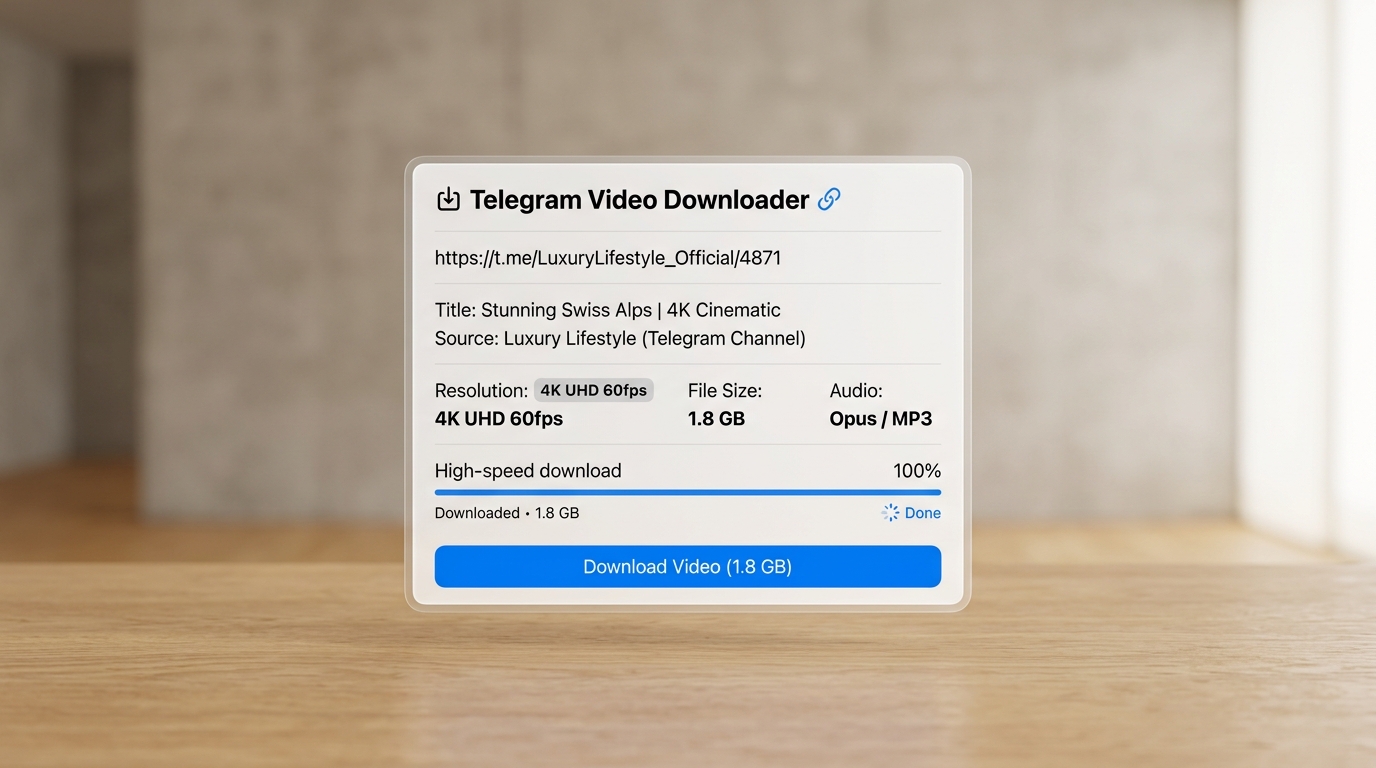 08:45Original
Restricted Video File - Ready for Download
Source: Telegram Restricted Post
When Forwarding & Saving Are Locked. We Deliver.
Competitors admit in their own FAQs that t.me/c/ links are "impossible to engineer around". We disagree.
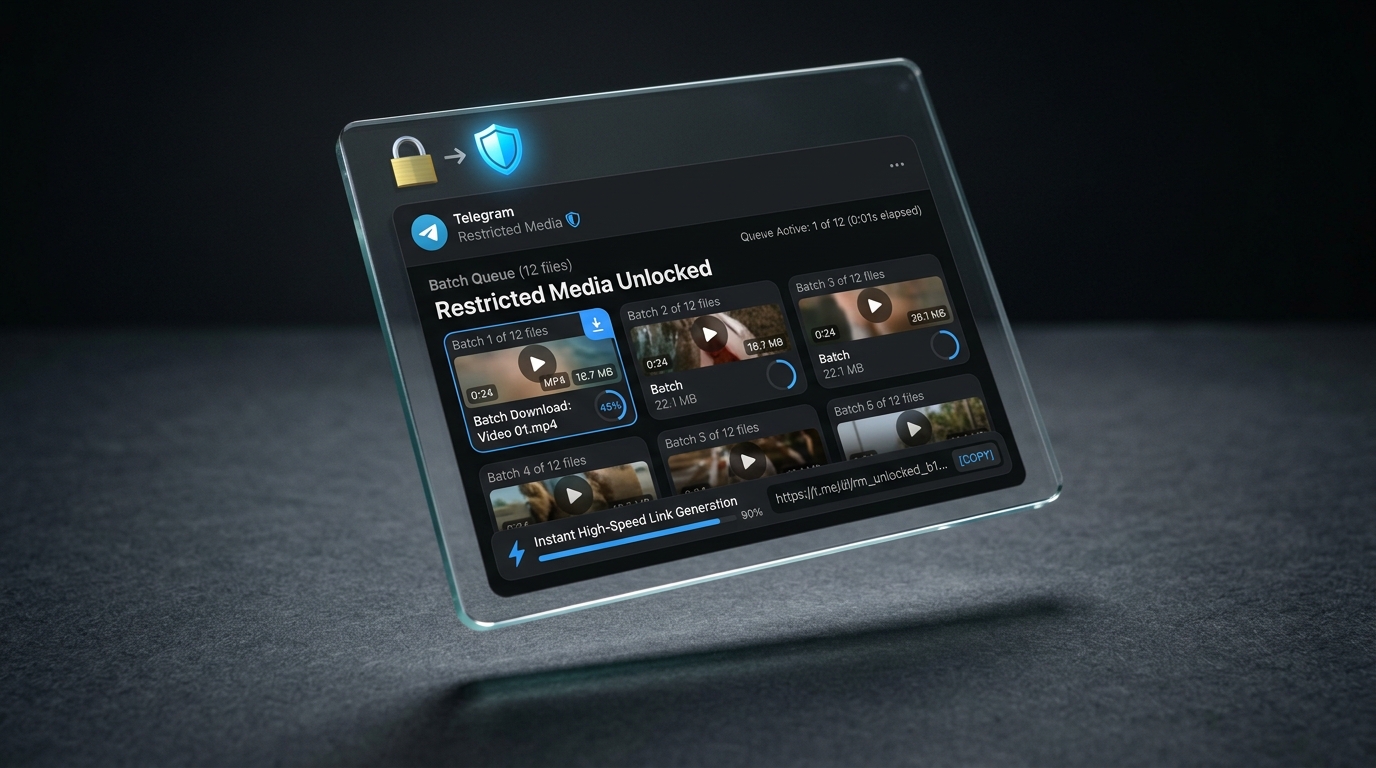
True t.me/c/ Support
Download videos and documents from invite-only groups and private channels you belong to, bypassing client-side content protection flags.
No Extension Lock-in
Competitors force desktop Chrome extensions that leave mobile users behind. Our web app and companion Telegram bot work natively on iPhone, iPad, and Android.
Direct HTTP Streaming
Raw streaming URLs hand off straight to Internet Download Manager (IDM), Aria2, or JDownloader with multi-threaded chunking for maximum gigabit speeds.
Engineered for Heavy Media & Massive Batches.
Everything Telegram uploaders create — preserved in native bitrates without compression or compromise.
4 GB File Ceiling
Full support for Telegram Premium 4 GB uploads. No timeouts, no random disconnects on 4K films or large course archives.
Batch Up to 300
Use range syntax /100-250 or queue 300 posts at once. Export clean link lists directly for download managers.
Opus & Voice Notes
Automatic repackaging of Telegram voice notes into universal MP3 format, ensuring playback on iOS, Windows, Mac, and car stereos.
Custom Thumbnails
Choose random keyframe thumbnails or attach custom cover images. Replace words and clean up filenames before saving.
Why We Surpass Every Competitor.
Competitors either block restricted channels, paywall basic batches, or require desktop Chrome extensions. See how we measure up.
| Core Capability | ⭐ Our Platform | tvdownloader.com | telegramdownloader.net | tgvideodownload.com | tgvideodownloader.org |
|---|---|---|---|---|---|
Restricted Channel Content Forwarding-locked t.me/c/ links | ✓ Full Support (Bot + Session) | Extension only | ✕ Unsupported ("Impossible") | Extension only (capped) | ✕ Unsupported |
Bot Message Links ( t.me/b/)Save attachments directly from bots | ✓ Yes (Plus Messenger IDs) | ✕ No | ✕ No | ✕ No | ✕ No |
Batch Download Capacity Multiple items saved in a single queue | ✓ Up to 300 files simultaneously | ✕ "Upcoming feature" | ✕ Single link only | Requires paid upgrade | ✕ Single link only |
Native Mobile Support (iOS / Android) Save directly on phone without laptop | ✓ Web App + Companion Bot | ✕ Desktop Chrome only | ✓ Browser only (public) | ✕ Desktop Chrome only | ✓ Browser only (public) |
Daily Download Quota Limits imposed on free users | ✓ Generous / Unlimited Access | Unclear | Free (public only) | ⚠️ Hard 3 downloads/day cap | Free (public only) |
Maximum File Size Supported Handling massive 4K video files | ✓ 4 GB (Telegram Premium) | 2 GB | 4 GB | Fails on >1GB large files | 4 GB |
Custom Thumbnail & Word Filter Repo feature: /thumb_mode & replace word | ✓ Built-in | ✕ No | ✕ No | ✕ No | ✕ No |
Ad Experience & Cleanliness No deceptive clickbait or popunders | ✓ 100% Museum Gallery Clean | Minimal | Clean | Spammy banners & trackers | Google AdSense + Weforads |
Ready to save restricted Telegram content effortlessly?
Join thousands who rely on our high-speed bot client and web downloader daily.
How to Save Any Telegram Video.
Avoid the common mistake that trips up 90% of users: copying the channel URL instead of the individual post link.
Copy the Post Link
On Mobile: Tap and hold the message containing the video, then tap Copy Link.
On Desktop: Right-click the video message and choose Copy Post Link.
Paste in Downloader
Paste your link in our web console above. Our smart inspector auto-detects public channels, private chats (t.me/c/), or bot messages and prepares the stream.
Download or Feed to IDM
Hit Download in Browser for instant local saving, or click Copy Stream URL to paste directly into Internet Download Manager, Aria2, or Free Download Manager.
Saving from Locked & Restricted Private Channels?
If the channel administrator enabled "Restrict Saving Content", Telegram disables the standard save button. You can save these easily using our Telegram Bot client or connecting your Pyrogram session string securely in our Web Login portal.
Frequently Asked Questions.
Everything you need to know about restricted content, private links, batch limits, and speed.
Can I download videos from private channels with 'Restrict Saving Content' enabled?
Why do competitor sites claim downloading private content is 'impossible to engineer around'?
How do I download up to 300 videos at once in Batch Mode?
/batch command, you can specify a message ID range (e.g. https://t.me/c/1837492019/100-150) or paste up to 300 individual post URLs. Our engine queues the files, avoids Telegram FloodWait limits automatically with smart delays, and outputs direct HTTP links.How do I format links from Telegram bots (t.me/b/)?
t.me/b/bot_username/message_id. If standard Telegram doesn't display the numeric message ID, use Plus Messenger or Telegram Web where message IDs are visible in the URL or message info.